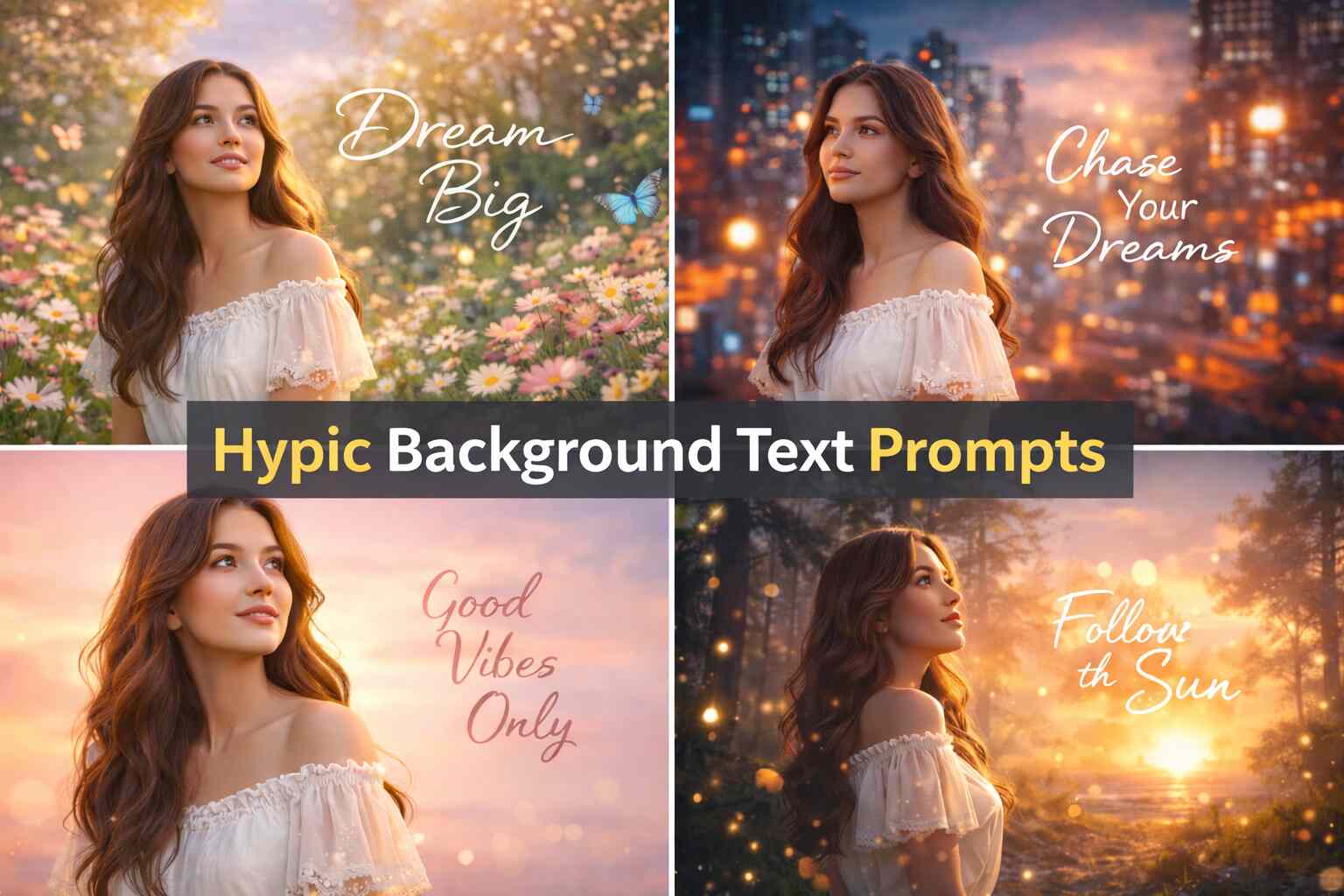
Hypic Background Text: How to Add Text + Best Prompts 2026
Learn how to add Hypic background text to images easily. Use step-by-step instructions and best AI prompts to create stylish, professional designs.
In the era of digital technology, the practice of adding a text over an image background has become a trend in designing. The Hypic background text feature lets you add fancy, professional, and attractive text to any background in your photo with ease. The feature has been popular with social media posts, YouTube thumbnails, featured images, wallpapers, and marketing designs.
This guide will also help you know what a background text is, how to use it, and which are the most effective prompts to create incredible background text designs.
What is Hypic Background Text?
Hypic background text is a photo editing option, which enables the users to write their own texts on the background of the picture. It offers various fonts, colors, styles and AI effects that help to improve the entire appearance of your picture and make it more attractive. Like:
- Modern and stylish text fonts.
- Background editing using AI.
- Ability to customize the text size and color.
- Shadow and glow effects
- The simplest text positioning and modification.
- High-quality HD export
How to Add Background Text in Hypic
Adding background text in Hypic is simple and beginner-friendly.
Step-by-Step Process
- Open the Hypic app.
- Upload your image from the gallery.
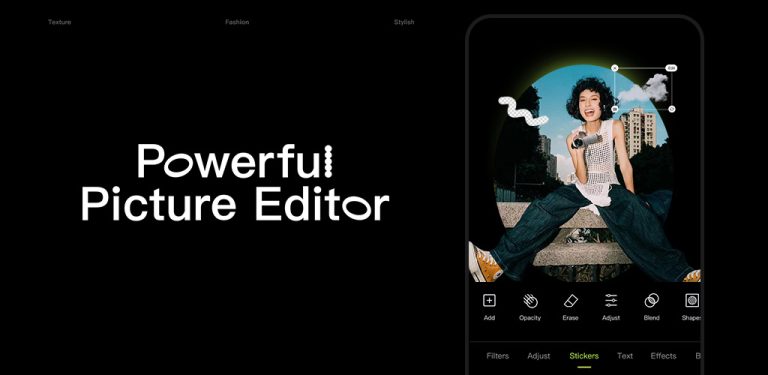
- Click on the Text option.
- Type your desired text.
- Choose font style, color, and effects.
- Adjust the text placement in the background.
- Download or save your edited image.
Hypic Background Text Prompts
If you use AI editing or automatic design tools in Hypic, these ready prompts can help you generate stylish background text easily.
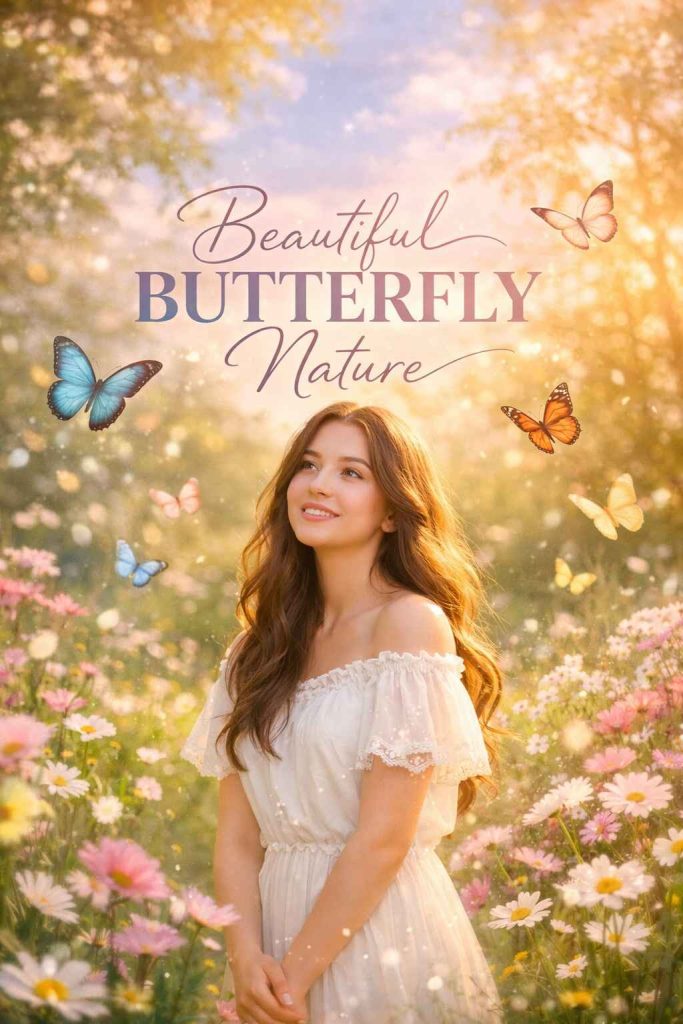
Prompt No 1
Beautiful Butterfly Nature Hypic Background Text
Create a beautiful nature-themed Hypic background with colorful butterflies. Including a girl standing in the scene, looking happy and dreamy. Add stylish, elegant background text that blends naturally with the nature scene. Use soft pastel colors, sunlight, and realistic details for a magical, serene vibe. Use the girl from the referenced image.
Prompt No 2
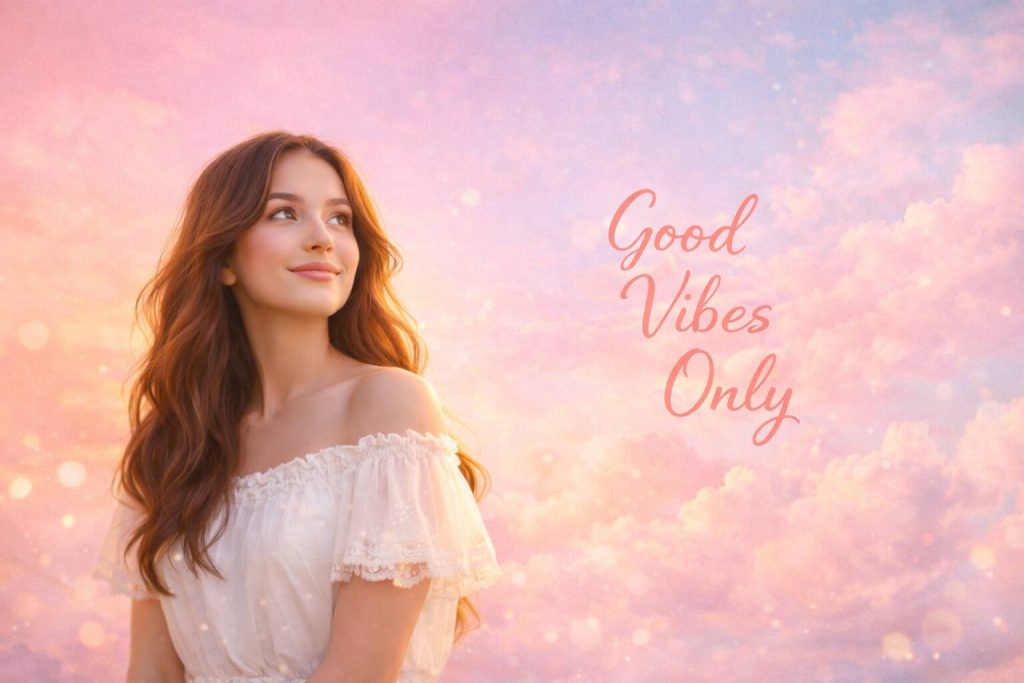
Take the uploaded reference image of a young woman. Replace the background with a completely new pastel aesthetic scene (soft gradients, dreamy clouds, or subtle abstract shapes). Integrate the text ‘Good Vibes Only’ naturally into the background in an elegant, readable font. Keep the girl intact and the background soft, serene, and visually appealing. Size 1200×680 px.
Prompt No 3
Use the referenced image as a base, maintaining composition and perspective, apply futuristic AI-style elements, neon glow, and digital sci-fi details as described in the text prompt. Futuristic AI-style background, cyberpunk neon lights, glowing circuit patterns, digital matrix elements, abstract technology design, vibrant neon colors (blue, purple, pink), high-tech sci-fi ambiance, glowing text overlays, depth and perspective, cinematic lighting.

Prompt 4
Use a reference image of a person. Create a professional background with neutral or office-inspired tones. Add bold, elegant background text integrated naturally into the scene. Text should be readable, large, and enhance the professional aesthetic without covering the subject.
Prompt 5
Use a reference image of a person. Generate a modern gradient background with clean, subtle colors. Add background text integrated into the gradient, bold and stylish, maintaining a clean layout. Text should be prominent but harmonized with the background. Size 1200×680 px.
Prompt 6
Use a reference image of a person. Create a high-contrast background suitable for a featured image. Integrate bold background text naturally into the environment. Text should be striking and easily readable, complementing the background without overpowering the subject.
Propmt 7
Use a reference image of a person. Create a YouTube thumbnail with a vibrant, dynamic background (colorful gradients or abstract shapes). Add big, eye-catching background text integrated naturally into the scene. The text should be bold, readable, and visually pop without covering the subject. Cinematic lighting and high-resolution.
Propmt 8
Use a reference image of a person. Create a YouTube thumbnail with a modern, high-contrast background (cityscape, abstract shapes, or dynamic light effects). Add bold title text in the background that stands out, integrated naturally with the scene. Text should be readable and visually striking.
Prompt 9
Use a reference image of a person. Generate a YouTube thumbnail with a colorful or cinematic background. Add highlighted background text with an outline effect, blending naturally with the scene. Text should be large, bold, and attention-grabbing while keeping the subject clear.
Propmt 10
Use a reference image of a person. Create a thumbnail background that is visually dynamic (gradient, abstract, or cinematic style). Integrate attention-grabbing large typography as background text, naturally blending with the environment. Text should be bold, high-contrast, and cinematic.
Benefits of Using Hypic Background Text
Professional Appearance
Hypic background images appear to be more clean, contemporary and professional.The fancy fonts, effects and background variations make your content to look better.It is the same whether you are preparing marketing graphics, thumbnails, or personal designs, Hypic can offer that your visuals can appear well polished and of a high quality without any higher sophisticated designing process.
Social Media Ready
The use of hypic background text is ideal in producing eye catching posts on such applications as Instagram, YouTube, Facebook, and other social media applications.It will make your content shine in the flooded feeds, making it better to look at.It is easy to produce catchy captions, quotes, thumbnails and promotion designs that are optimized towards social media interaction.
Beginner-Friendly
The simple and user-friendly interface of Hypic is one of the largest advantages of the product. Text, background customization and effects can be added easily even with a beginner with no graphic design experience. The accessible features and user-friendly elements enable any person to make professional designs that are not complex to do in a short time.
Better Engagement
The background text is supposed to be stylish and well-designed and this is bound to attract the users. When pictures appear appealing and beautiful, people will be more willing to halt the scrolling process, see what you have to offer and engage in it. This will contribute to the multiplication of likes, shares, and general interaction in your posts.
Creative Freedom
Hypic provides a variety of fonts, colors, styles, and text effects, thus helping you to design anything unique and personal. You will be able to make various mixes to fit your brand or personal style. This makes it more flexible and allows users to have the full creative capability of creating content that is aesthetic to their requirements.