Let’s Explore Hypic Cinema Prompts for Stunning AI Scenes
Design professional movie-like images using Hypic Cinema Prompts. Detailed AI steps help you create realistic, cinematic scenes quickly and easily.
Are you tired of AI creating boring or unrealistic pictures instead of cinematic shots ? Don’t worry. Hypic cinematic photo editing prompts solve this problem by giving step-by-step instructions that control lighting, mood, and camera style to produce stunning movie-like visuals
What Are Hypic Cinema Prompts?
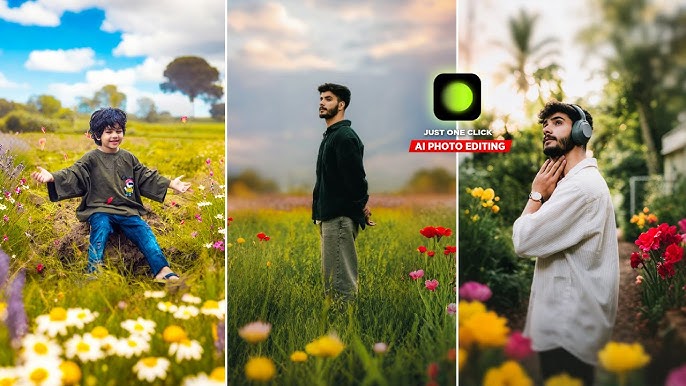
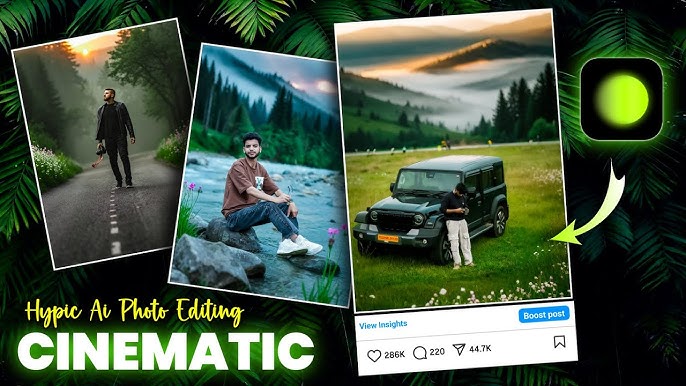
Hypic Cinema Prompts are special cinematic text descriptions that tell the AI how to design your image. These prompts add cinematic lighting, drama, shadows, and realistic textures automatically inside the app. In simple terms, they transform ordinary pictures into pictures that appear like film shots.
With these prompts, you are able to manage the mood, camera angle, colors and the background of your picture. Newcomers are able to produce professional and high-quality visuals without having to edit it. This is why Hypic Cinema Prompts are quite useful with creators, bloggers, and social media users.
Best Hypic Cinema Prompt
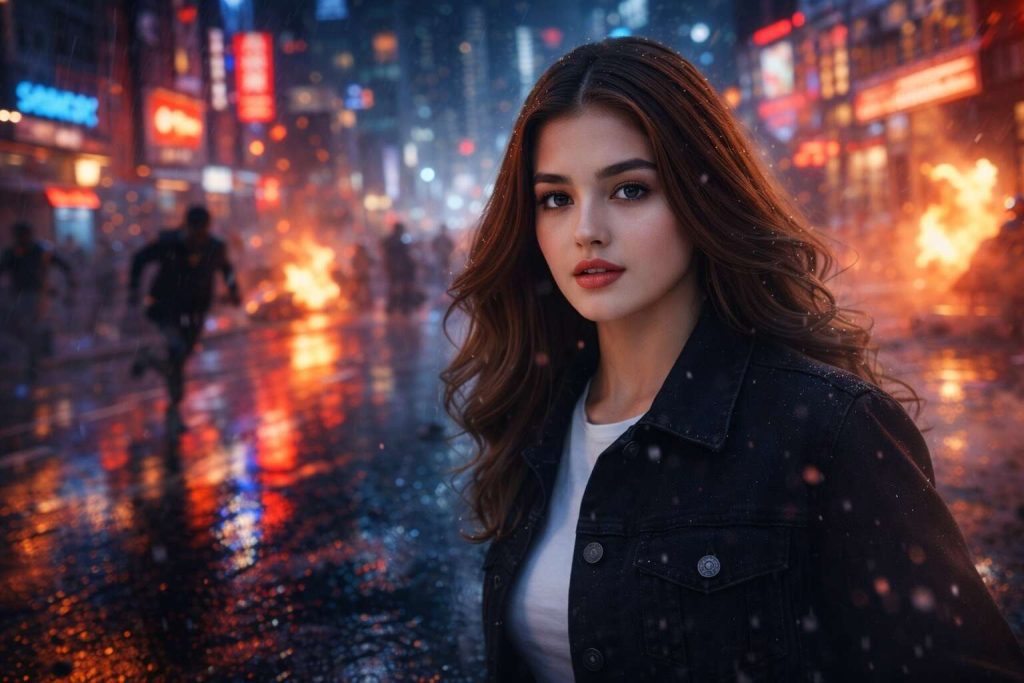
Action Movie Street Scene
A scene of a drama action movie, at night, on a rainy city street, with neon lights reflecting on wet streets, fast motion blur, heavy shadows, smoke in the background, cinematic lighting, wide angle lens, ultra realistic textures, 4K detail, high contrast, dynamic perspective, blockbuster film look, sharp focus on subject, depth of field, epic atmosphere. Use reference image.
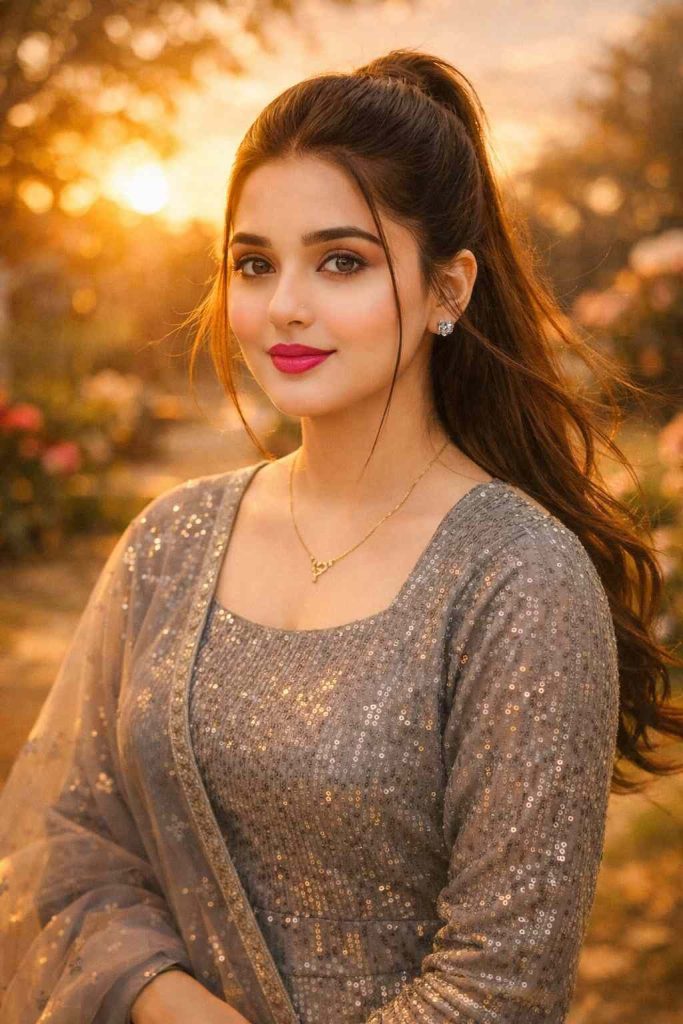
Romantic Sunset Cinema Shot
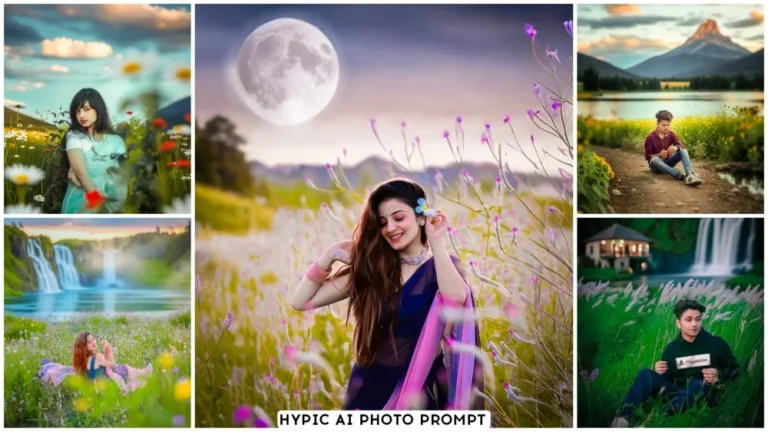
Calm garden, sunset, soft romantic, golden sun rays, warm color palette, slow motion, feeling, soft wind blowing hair and clothes, blurry background, natural skin color, film grain affect, aesthetic form, photography with 85mm lens, romantic mood of movie, ultra HD, love story. Use reference image
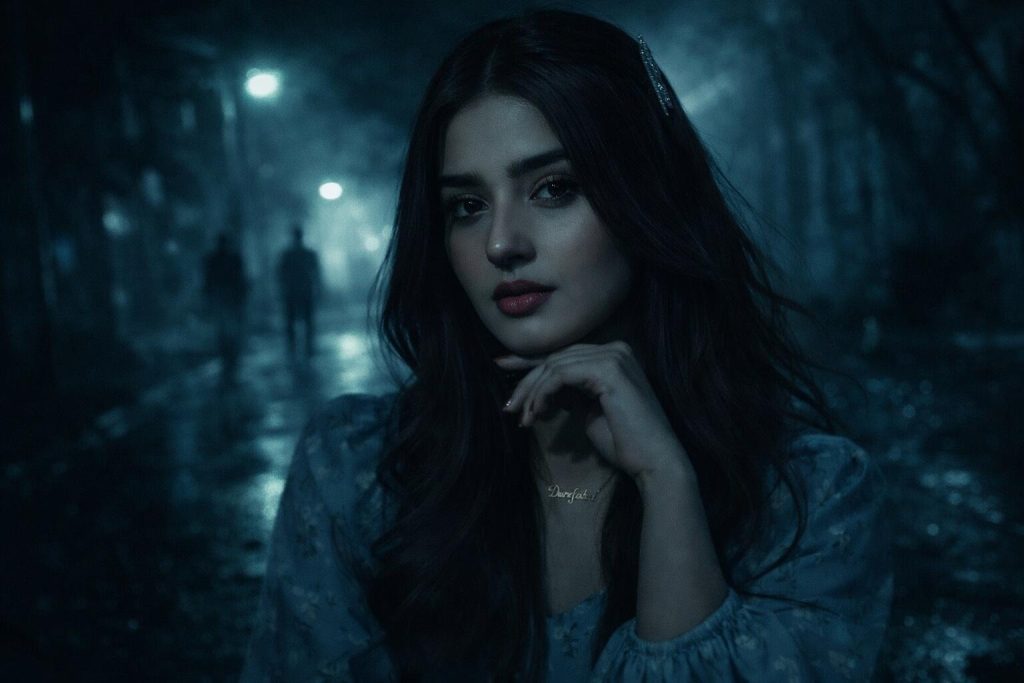
Dark Thriller Night Look
Dark Thriller, Low-key lighting, Dark shadows, foggy streets, cold blue and green, dramatic face lighting, suspense atmosphere, sharp highlights, cinematic contrast, night time, realistic textures, hand held camera feel, Hollywood crime movie look, detailed background, ultra realistic, 4K. Use reference image
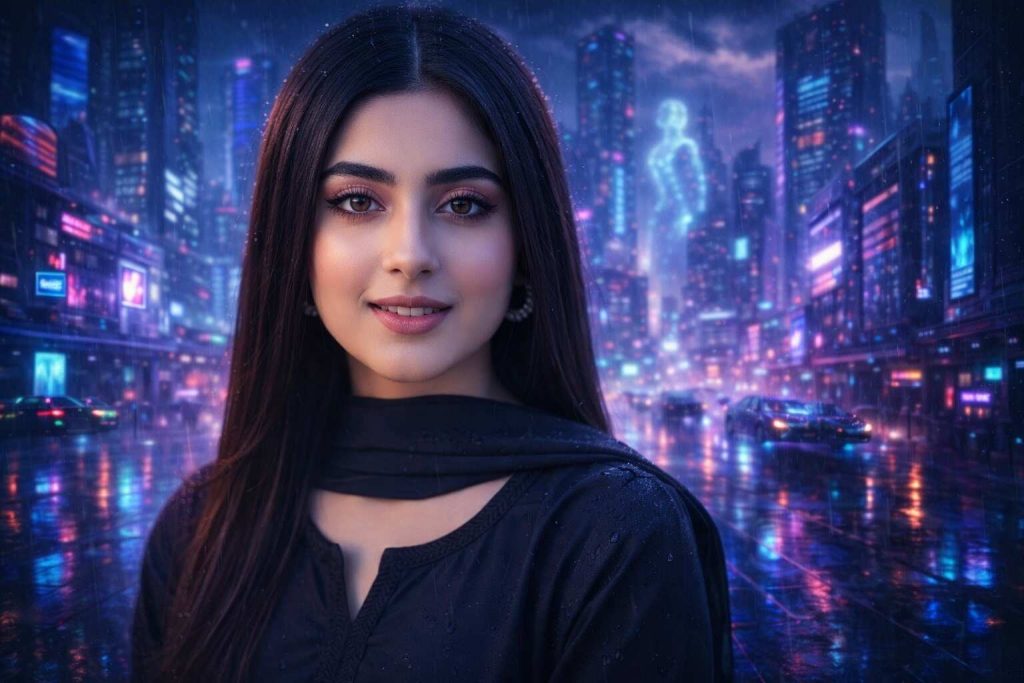
Sci-Fi Cyberpunk City
Futuristic cyberpunk city, neon lights, flying cars, hologram lights, rainy day, glass buildings reflections, grading of purple and blue colors, cinematic depth, ultra sharp lines, movie scene, wide cinematic frame, volumetric lighting, dramatic sky, high-tech environment, realistic shadows. Use reference image
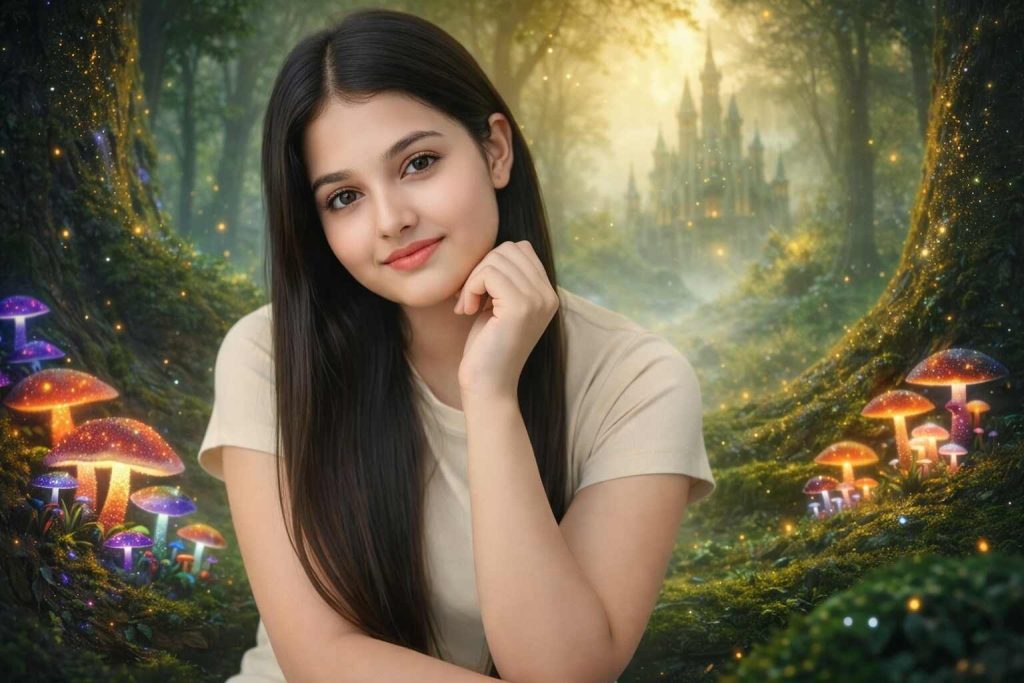
Magical Forest Scene Fantasy.
Bright mushrooms in the forest, gray fog, golden rays of light, magical glitter on the large trees, old trees, fantasy castle in the background, deep green color system, dreamy light effects, ultra thick fine textures, fairytale film style, 4K fantasy atmosphere. Use reference image
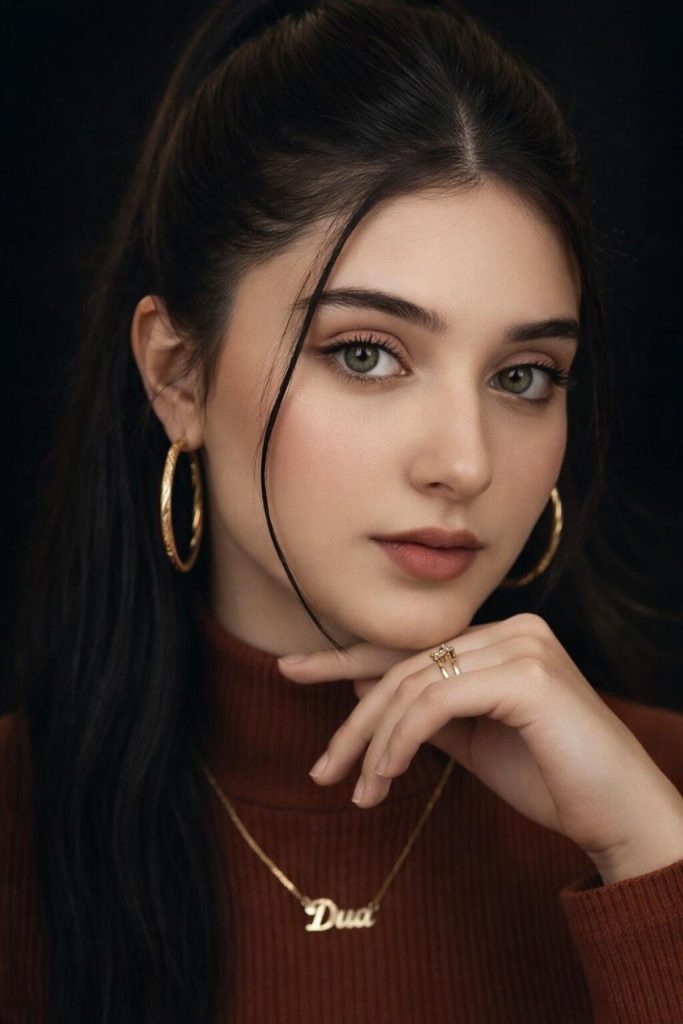
Cinema Corporate Appearance.
Close up portrait with studio lumbar cinematography, smooth skin-tones, clear eyes focus, dark blurred background, soft shadows, colour tone of film, natural depth of field, 50mm lens effect, luxury fashion magazines style, ultra HD quality, clean and professional movie poster appearance. Use reference image
Also Explore : Girl Propmts , Garden Propmts , Gangster prompts
How to Use Hypic Cinema Prompts
Open Hypic
Download and open the Hypic app. Make sure it is updated so you can access the latest Hypic prompt new cinematic tools and templates.
Select or Upload Your Image
Choose an image from your gallery or use a ready cinematic background prompt inside the app. Always use a high-quality photo for better results.
Copy a Cinema Prompt
Pick a style like action, romantic, thriller, or fantasy. Copy the full prompt text so the AI understands all details clearly.
Insert Prompt in the Text Box.
Paste the prompt into the AI editor section. This works like a Hypic cinematic prompt generator, guiding the app to add shadows, light effects, and movie colors.
Adjust Settings (Optional)
You are able to adjust the brightness, contrast, filters or aspect ratio. These slight modifications will assist you in the acquisition of a more professional and film-like appearance
Generate the Image
Click generate and wait a few seconds. The Hypic cinematic prompt AI photo editor will process your prompt and create a film-style version automatically
Download and Share
Lastly, store your picture in your phone and share it on Instagram, blogs, thumbnails or social media posts.
Tips to Write Better Cinema Prompts
Be clear and specific
Describe the scene properly instead of using general words. For example, say rainy neon street at night instead of just city.
Use cinematic lighting
Add lighting terms like golden hour, soft light, sunset glow, dramatic shadows, or low light to create a movie feel.
Mention camera angle and lens
Include details like close-up shot, wide angle, aerial view, 50mm lens, or depth of field for realistic results.
Describe mood and emotion
Tell the feeling of the scene such as romantic, dark, dreamy, mysterious, or epic to guide the AI style.
Add quality details but keep it simple
Use words like 4K, ultra HD, sharp focus, realistic textures, but avoid very short or overly long prompts.